
The essential:
- Always use the power adapter or USB port rated for your projector (usually 5V/1A), never a fast charger meant for phones.
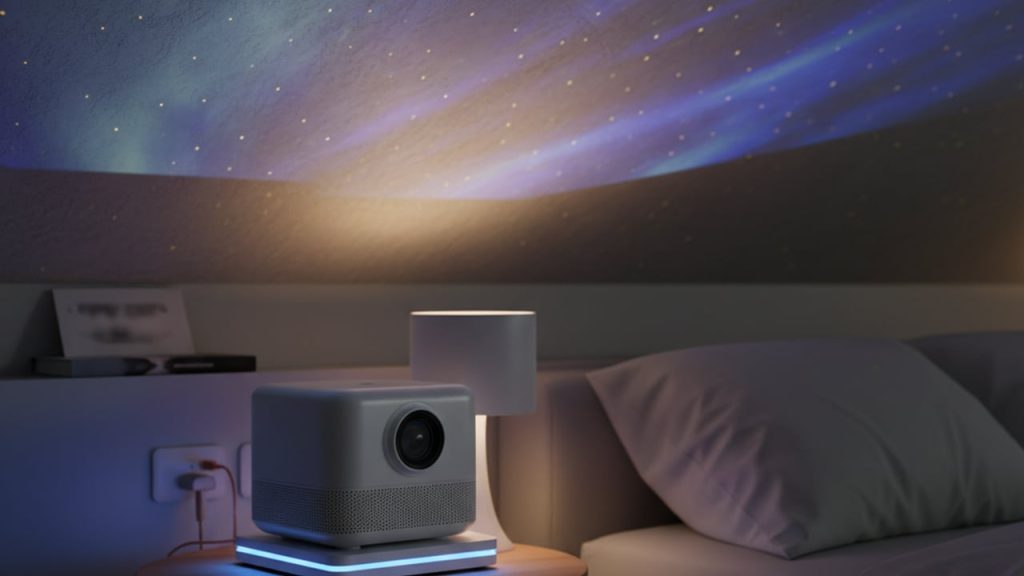
- Place the unit on a hard, flat, open surface at least 15cm from walls, fabric or bedding to allow heat to dissipate.
- Most galaxy projectors are not designed to run unsupervised for 8+ hours; use the built-in timer function instead of leaving it on all night.
- Dimming light, a faint plastic smell or a buzzing motor are early warning signs you should switch off the device immediately.
There is something wonderfully theatrical about a galaxy projector turning a plain bedroom ceiling into a swirling nebula. As a former museum science communicator, I confess I’m rather fond of anything that recreates a bit of cosmic wonder on a Tuesday night. But a galaxy projector is still an electrical device with a motor, an LED or laser diode, and a plastic housing, and like any gadget it generates heat that needs somewhere to go. Set it up carelessly and that cosmic ambience can turn into a warm, slightly worrying smell of hot plastic by 3am.
📋 Table of contents
- How Do I Stop My Galaxy Projector From Overheating?
- What’s the Safest Power Source for an Overnight Galaxy Projector?
- Where Should You Place a Galaxy Projector to Avoid Heat Buildup?
- Can You Leave a Galaxy Projector On All Night?
- What Are the Warning Signs of an Overheating Projector?
- How to Use a Galaxy Projector Outside During the Day?
- Our Verdict
- FAQ
Let’s walk through exactly how to set one up properly, so your bedroom stays a galaxy and not a fire hazard.
How Do I Stop My Galaxy Projector From Overheating?
The fastest way to stop a galaxy projector overheating is to use the correct power source, give it clear space on all sides, and avoid running it continuously for more than the manufacturer’s recommended cycle. Most units on the market today use a 5V DC motor and LED combination rated between 2 and 5 watts, which is low power, but heat still builds up quickly inside a sealed plastic shell if airflow is blocked.
- Check the cable and port first. A loose USB connection can cause the device to draw power inconsistently, which stresses the internal circuit and generates extra heat.
- Use the adapter supplied in the box, or a basic 5V/1A USB port on a laptop, wall plug or quality power bank. Avoid phone fast chargers rated 9V, 12V or higher, as these can overdrive the projector’s circuit.
- Give it breathing room. Keep at least 15cm of open space around the housing, especially around the vents near the base and the rotating motor.
- Avoid soft furnishings. Never place it on a duvet, cushion or thick rug that traps heat underneath the unit.
⭐ Key takeaway
At a glance: stick to the original or an equivalent 5V/1A power source, keep the unit on a hard flat surface, and never tuck it inside bedding or curtains, however tempting that might be for the perfect star-ceiling effect.
What’s the Safest Power Source for an Overnight Galaxy Projector?
The safest power source is the original wall adapter or a standard 5V/1A USB port, because galaxy projectors are built around that exact voltage and current range. According to IEC 60065, the international safety standard for audio, video and similar electronic apparatus, consumer devices are designed and tested within specific voltage tolerances, and exceeding them regularly shortens component life and raises internal temperatures.
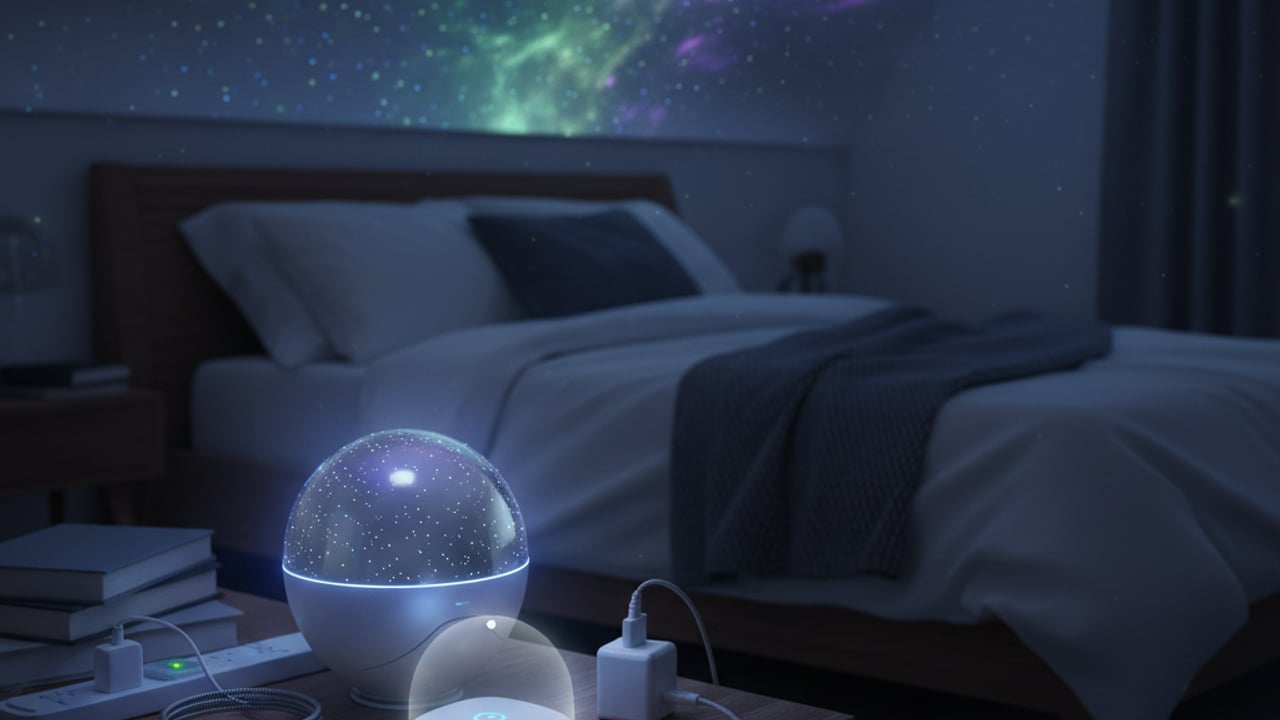
If you are powering your projector from a power bank overnight, make sure it stays switched on throughout, as many power banks cut off output if the draw is too low, causing the projector to cycle on and off and strain the circuit each time.
💡 Did you know?
According to the US Department of Energy, LED bulbs convert around 90% less of their energy into heat than traditional incandescent bulbs did, which is exactly why today’s compact galaxy projectors can run for hours without becoming dangerously hot, something an old-fashioned filament bulb of Edison’s era never could have managed safely in an enclosed plastic housing.
Where Should You Place a Galaxy Projector to Avoid Heat Buildup?
Position your projector on a solid, flat, elevated surface such as a bedside table or shelf, away from curtains, bedding and direct contact with carpet. A hard surface allows heat to conduct away from the base rather than being trapped underneath, and elevation keeps the lens and vents clear of dust that can insulate the unit over time.
🛍️ Our pick
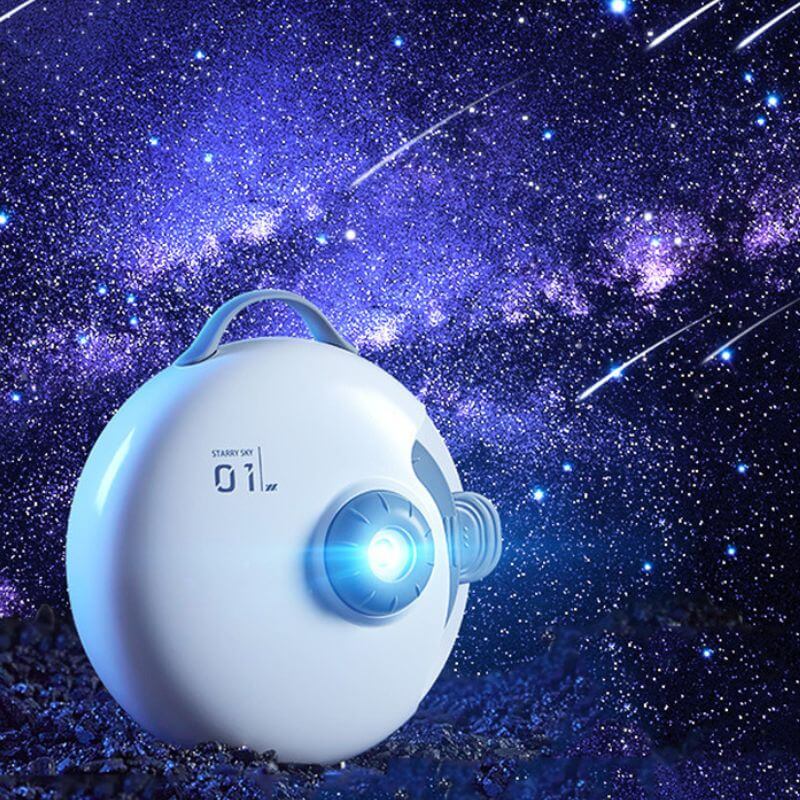
Galaxy Night Light Projector Infinity
The Galaxy Night Light Projector Infinity should sit on a stable, well-ventilated surface to avoid overheating during long night-time use.
£83.49 · ★ 33 sold
Shop now →Room temperature matters more than most owners realise, because every electronic device has a rated operating range, typically between 0°C and 35°C for consumer electronics sold in the UK. A projector running in a stuffy, poorly ventilated bedroom in midsummer starts from a higher baseline temperature than one in a cool, well-aired room, so opening a window a crack or running a fan nearby genuinely helps.
If you enjoy pairing your projector with other atmospheric desk or shelf pieces, our cool gadgets collection includes several low-power items designed with the same ventilation-friendly housing principles in mind.
Can You Leave a Galaxy Projector On All Night?
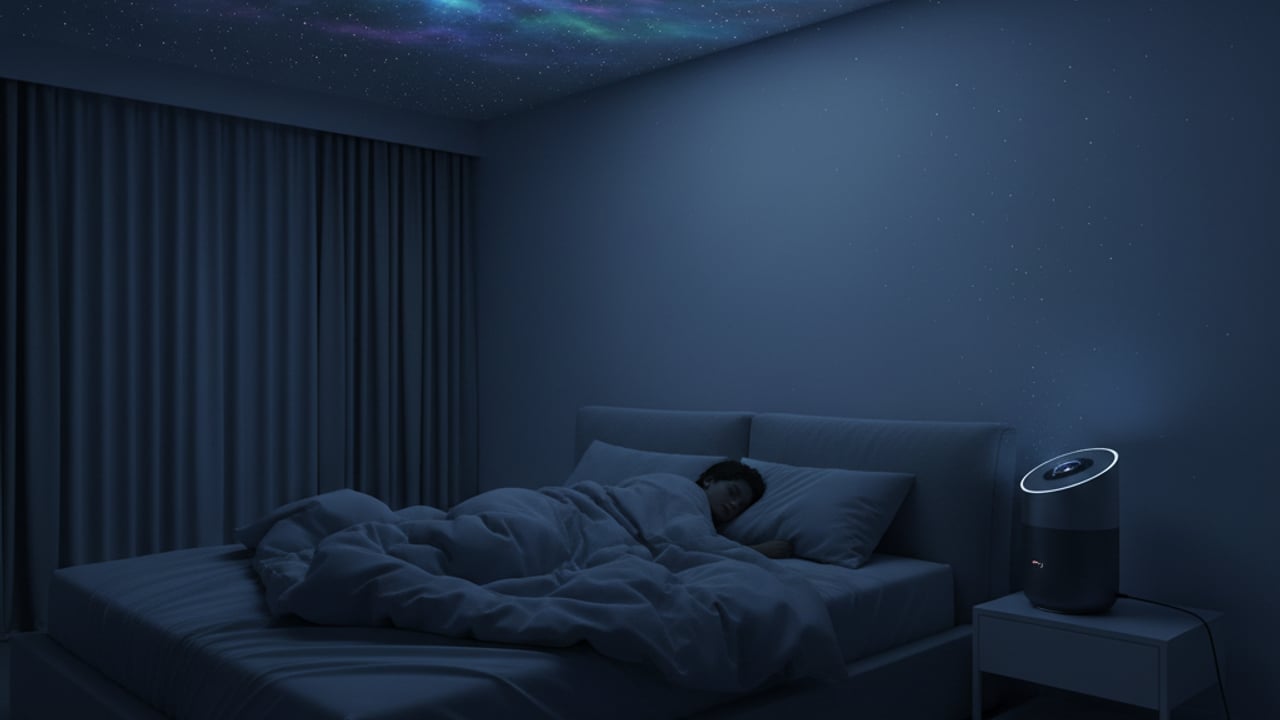
Most manufacturers do not recommend leaving a galaxy projector running unattended for a full eight-hour night, and instead build in automatic timer settings of 1, 2 or 4 hours for this reason. Running any small motor and LED combination continuously for extended periods increases the cumulative thermal load on the internal components, even if each individual hour feels perfectly safe.
⭐ Key takeaway
Use the built-in timer rather than disabling it. Falling asleep thirty minutes into a two-hour star show is far safer, and honestly just as magical, as running the unit unsupervised until sunrise.
What Are the Warning Signs of an Overheating Projector?
A galaxy projector that is overheating will usually show one or more clear symptoms before anything serious happens: dimming or flickering light output, a faint burning or hot-plastic smell, an unusually warm housing to the touch, or a motor that starts buzzing or slowing down. If you notice any of these signs, switch the device off immediately and let it cool for at least 30 minutes before using it again.
Nikola Tesla, whose experiments with high-frequency electricity still fascinate us at Science Gifts (our Tesla Coil Music piece is a personal favourite for exactly that reason), was famously obsessive about ventilation and insulation in his coil designs, precisely because unchecked heat buildup was the single biggest cause of equipment failure in early electrical devices. The same basic physics applies to the little motor spinning inside your galaxy projector over a century later.
How to Use a Galaxy Projector Outside During the Day?
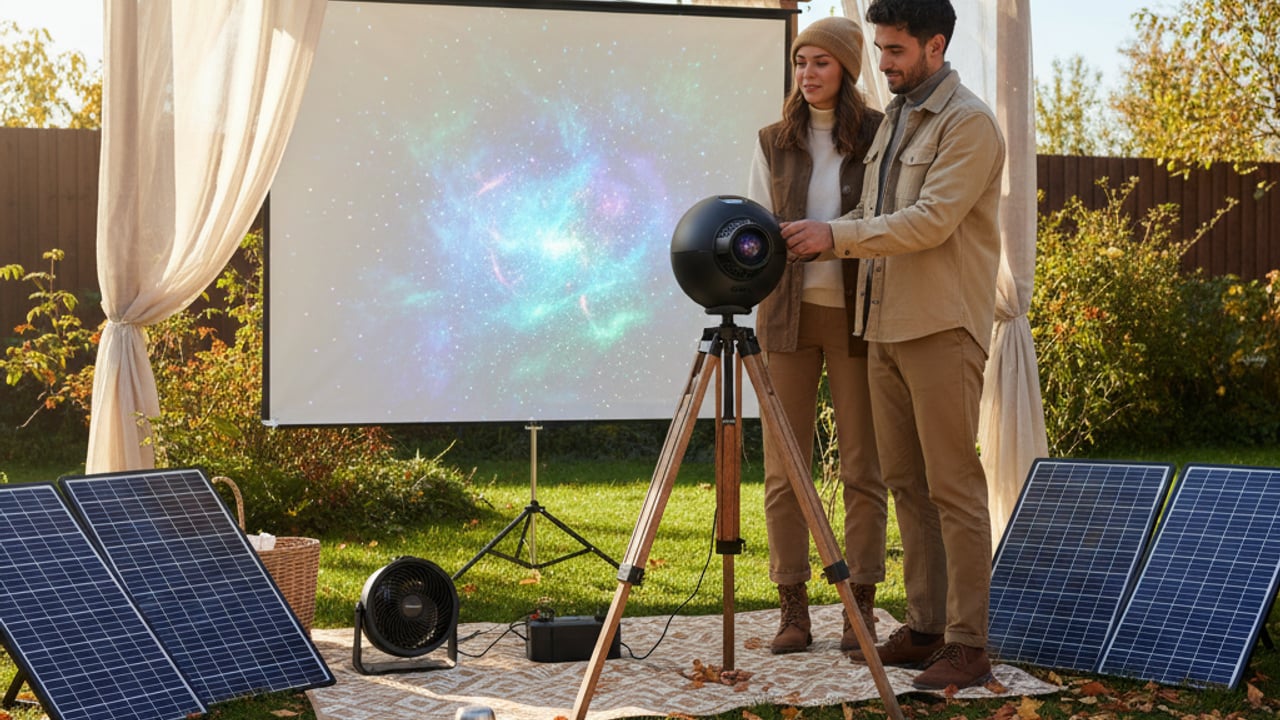
Galaxy projectors are designed for dark, indoor rooms, and using one outdoors in daylight is both ineffective, since the projection washes out in ambient light, and riskier for overheating, since direct sunlight adds significant extra heat to the plastic casing. If you do want an outdoor evening effect, wait until genuine darkness, keep the unit shaded from any residual warmth off a patio or wall, and never leave it exposed to direct sun beforehand, as a hot casing starts its evening cycle from an already elevated baseline temperature.
Our Verdict
Having tested and recommended plenty of ambient gadgets over the years, my honest take is that galaxy projectors are wonderfully safe devices when used as intended, and the overheating scares you read about online almost always trace back to the wrong charger, blocked vents, or genuinely all-night unsupervised use. Treat it with the same common sense you’d apply to a phone charger left on a pillow, and you’ll get years of cosmic ceiling shows without drama.
Setting one up as a present? Our space gifts page has more ideas for stargazers, from moon lamps to astronomy gadgets.
FAQ
Sources
- US Department of Energy, LED Lighting fact sheets on energy conversion and heat output
- IEC 60065, international safety standard for audio, video and electronic apparatus
- Manufacturer user manuals for consumer galaxy and star projector devices